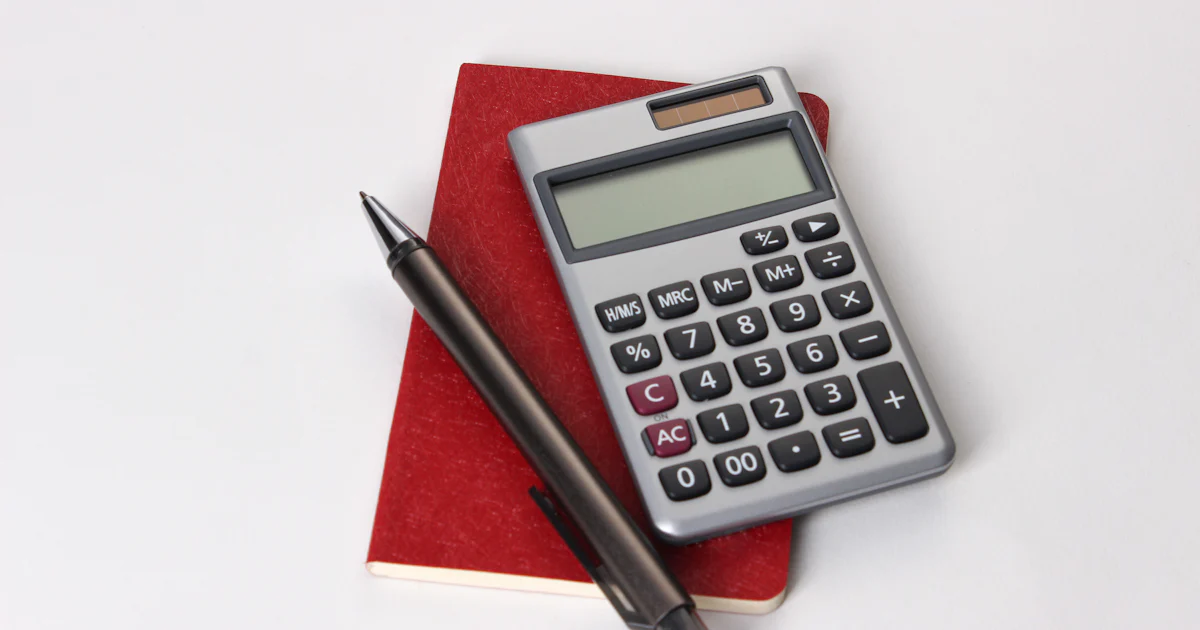
The % key: practical but often misunderstood
Hardly any key causes as much confusion as the percent key. If you type 200 + 10%, some expect 200.10, others 210 and others 220. On a classic desk calculator, and on our online calculator, the answer is 220. Here you will learn the logic behind it and how to use the key deliberately.
The basic idea: percent means "per hundred"
One percent is one hundredth. So 10% is 0.1, 19% is 0.19 and 150% is 1.5. If a number stands on its own with the percent sign, the calculator does exactly that: 50% gives 0.5. This conversion is the basis for all other variants.
Percentage amount: multiplication
If you want to know how much 10% of 200 is, type 200 × 10%. The result is 20. The calculator multiplies 200 by 0.1. In the same way you calculate 19% VAT on 250: 250 × 19% gives 47.50. That is the percentage amount, i.e. the share in currency.
Mark-up: plus and percent
The real peculiarity of the percent key shows up with addition and subtraction. In 200 + 10%, the percentage refers to the number before it. The calculator therefore calculates 200 + (200 × 10%) = 220. This corresponds to a mark-up of 10%.
Typical applications are price increases, tips and VAT. A net price of 250 plus 19% VAT gives 250 + 19% = 297.50 gross. A rent of 850 that rises by 3% is then 850 + 3% = 875.50.
Discount: minus and percent
Subtraction works the other way round. 200 − 10% gives 180, because 10% of 200 is deducted. This lets you calculate discounts in a single step: a jacket for 129.90 with a 25% discount costs 129.90 − 25% = 97.43 (rounded).
Important: several discounts are applied one after another, not added up. A 20% discount followed by a further 10% does not equal 30%, but 28%. On the calculator: 100 − 20% = 80, then 80 − 10% = 72. So 100 becomes 72, and the total discount is 28%.
The most common error: percent backwards
A price was increased by 20% and now costs 120. What was it before? Many people calculate 120 − 20% = 96. That is wrong, because the 20% referred to the old price, not the new one. The correct answer is 120 ÷ 1.2 = 100.
The same applies to VAT. You get the net price from a gross amount with 119 ÷ 1.19 = 100, not with 119 − 19% = 96.39. For such reverse calculations the VAT calculator is ideal, as it shows net, gross and tax amount at once.
Percent in longer calculations
The calculator applies the mark-up logic only when a plus or minus sign stands directly before the percentage. In 200 × 10% + 5, the percentage amount 20 is calculated first and then 5 is added, giving 25. When in doubt, use brackets or calculate in steps. The preview in the display shows you whether the calculation fits before you press Enter.
Percentage rate and percentage change
What share is 45 of 180? Division helps here: 45 ÷ 180 × 100 = 25%. And by what percentage has a price risen from 80 to 92? (92 − 80) ÷ 80 × 100 = 15%. These calculations are easy with the calculator but require a little practice in setting up the formula.
If you work with percentages regularly, the percentage calculator takes the formula work off your hands. It calculates percentage amount, rate, base value and percentage change and shows the working. For proportion problems with three known values there is also the rule of three calculator.